Zeronetwork browsing: how ZeroNet discovers peers
· updated
The ZeroNet client finds peers hosting a requested website, downloads its files, and presents them through a local browser interface. BitTorrent trackers supply candidate peer contacts; a reachable host must still provide the required content.
The browser interface and the site address
Local browsing requires a running ZeroNet client. With the documented default interface settings, the browser connects to
127.0.0.1:43110
, where ZeroHello is the landing page. This interface port is separate from the port peers use for file transfers.
A cryptographic site address identifies the requested site; Namecoin
.bit
names are also supported. Discovery supplies the remote peer contacts needed to retrieve its files.
The ZeroNet version 0.7.1 release notes document a wrapper HTML injection flaw in revisions before 4188. An opened site could gain unrestricted
ADMIN/NOSANDBOX
WebSocket access and potentially execute code on the client machine. Version 0.7.1 included a fix for this flaw.
What trackers return
ZeroNet’s Python 3 BitTorrent announcement plugin sends the site’s
address_sha1
value as the
info_hash
in a tracker request. The reply provides peer contact information. Its HTTP and HTTPS handler decodes compact replies into IPv4 addresses and ports, while UDP uses a separate tracker client. The configuration also contains ZeroNet-protocol trackers alongside BitTorrent entries. The client can also request contacts through peer exchange (PEX), querying connected peers or, if none are connected, recently known peers.
Settings that change discovery
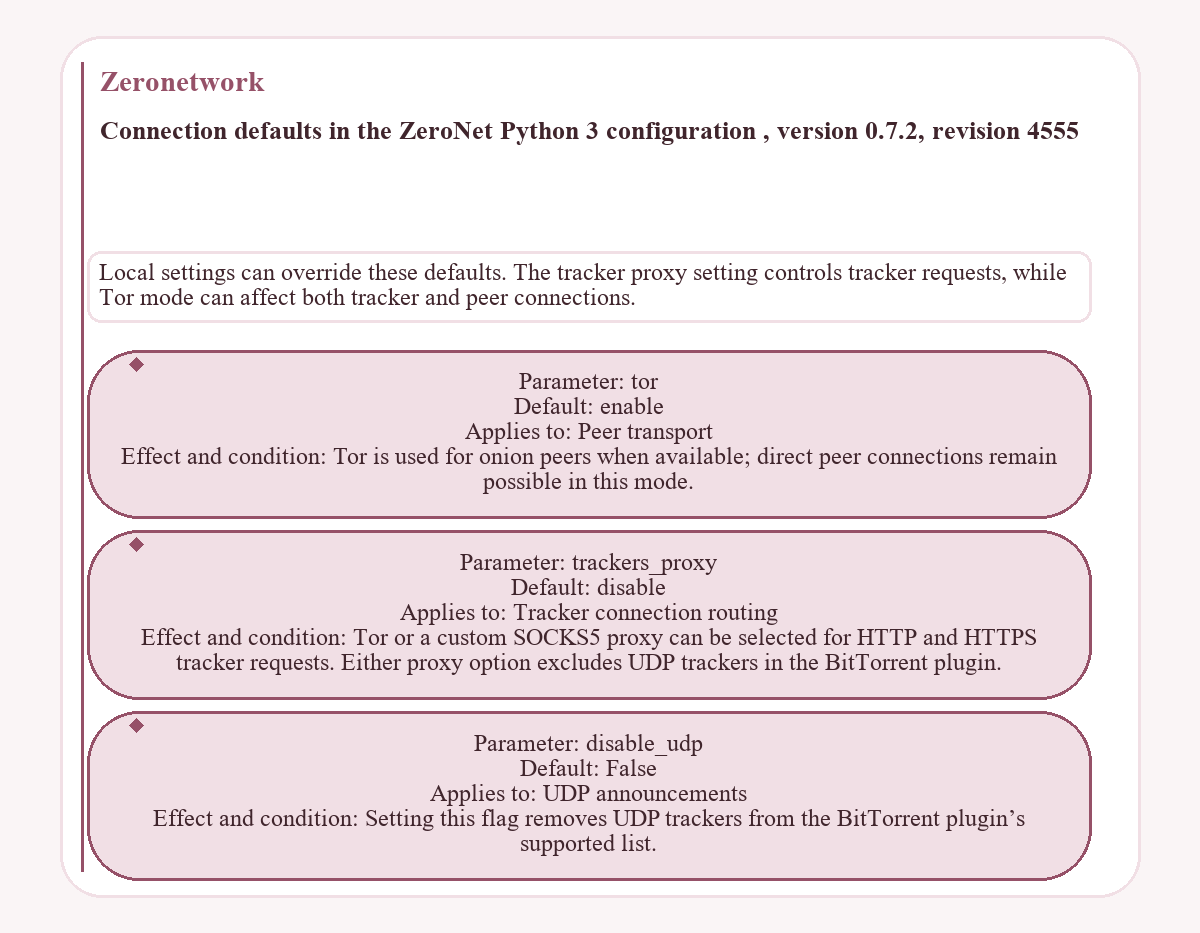
Local settings can override these defaults. The tracker proxy setting controls tracker requests, while Tor mode can affect both tracker and peer connections.
| Parameter | Default | Applies to | Effect and condition |
|---|---|---|---|
tor
|
enable
|
Peer transport | Tor is used for onion peers when available; direct peer connections remain possible in this mode. |
trackers_proxy
|
disable
|
Tracker connection routing | Tor or a custom SOCKS5 proxy can be selected for HTTP and HTTPS tracker requests. Either proxy option excludes UDP trackers in the BitTorrent plugin. |
disable_udp
|
False
|
UDP announcements | Setting this flag removes UDP trackers from the BitTorrent plugin’s supported list. |
Downloading and validating site files
Reachable peers supply the website’s HTML, CSS, JavaScript, and other files. The client uses the signed
content.json
manifest and file hashes to check content integrity. Finding a host and validating its files are separate parts of browsing.
A client retaining a visited site can also serve it to other peers, making that local copy another potential source. Offline browsing is limited to content already stored locally; missing files and new updates require a network connection and a reachable peer supplying them.